
How to place an order
Placing an order on EtereShop takes just a few steps. Here is exactly where to click.
Making an order
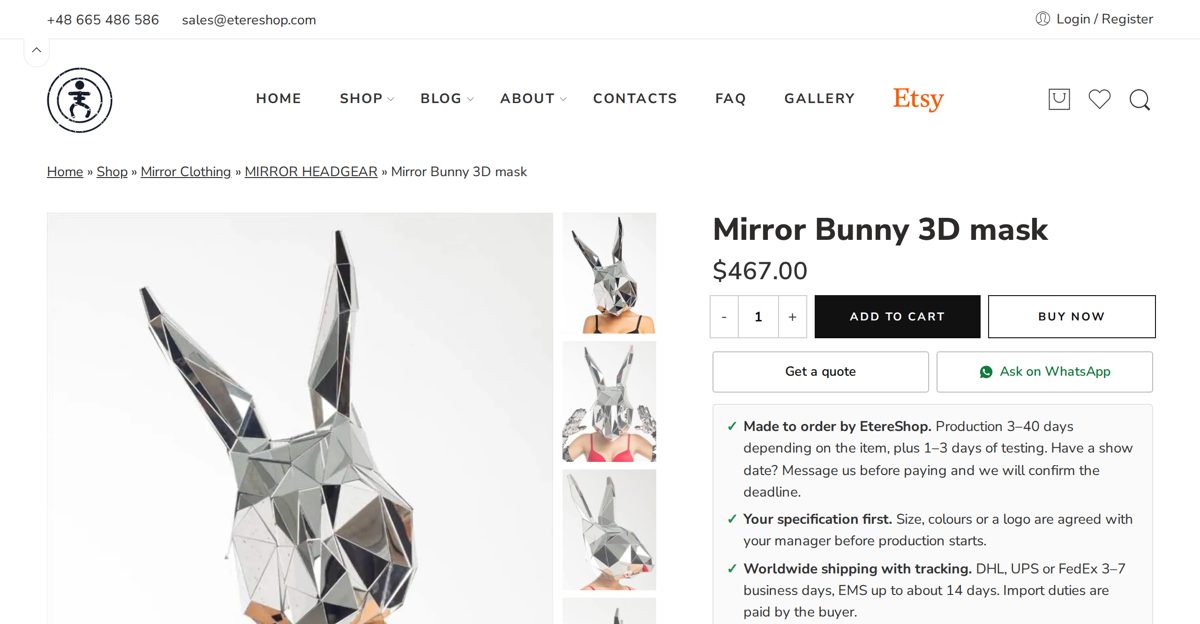
1. Choose your item
Pick the product you want, select the needed quantity, colour and size, and press “ADD TO CART”.
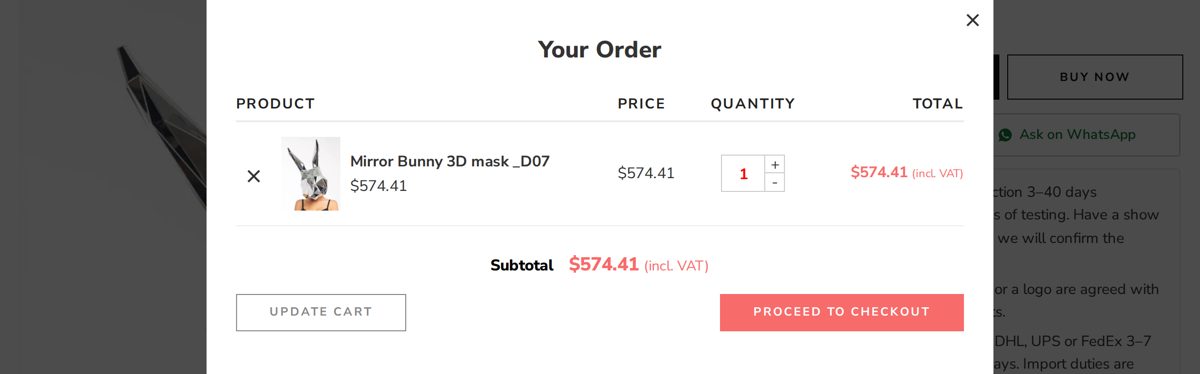
2. Open your cart
Go to your cart to start placing the order.
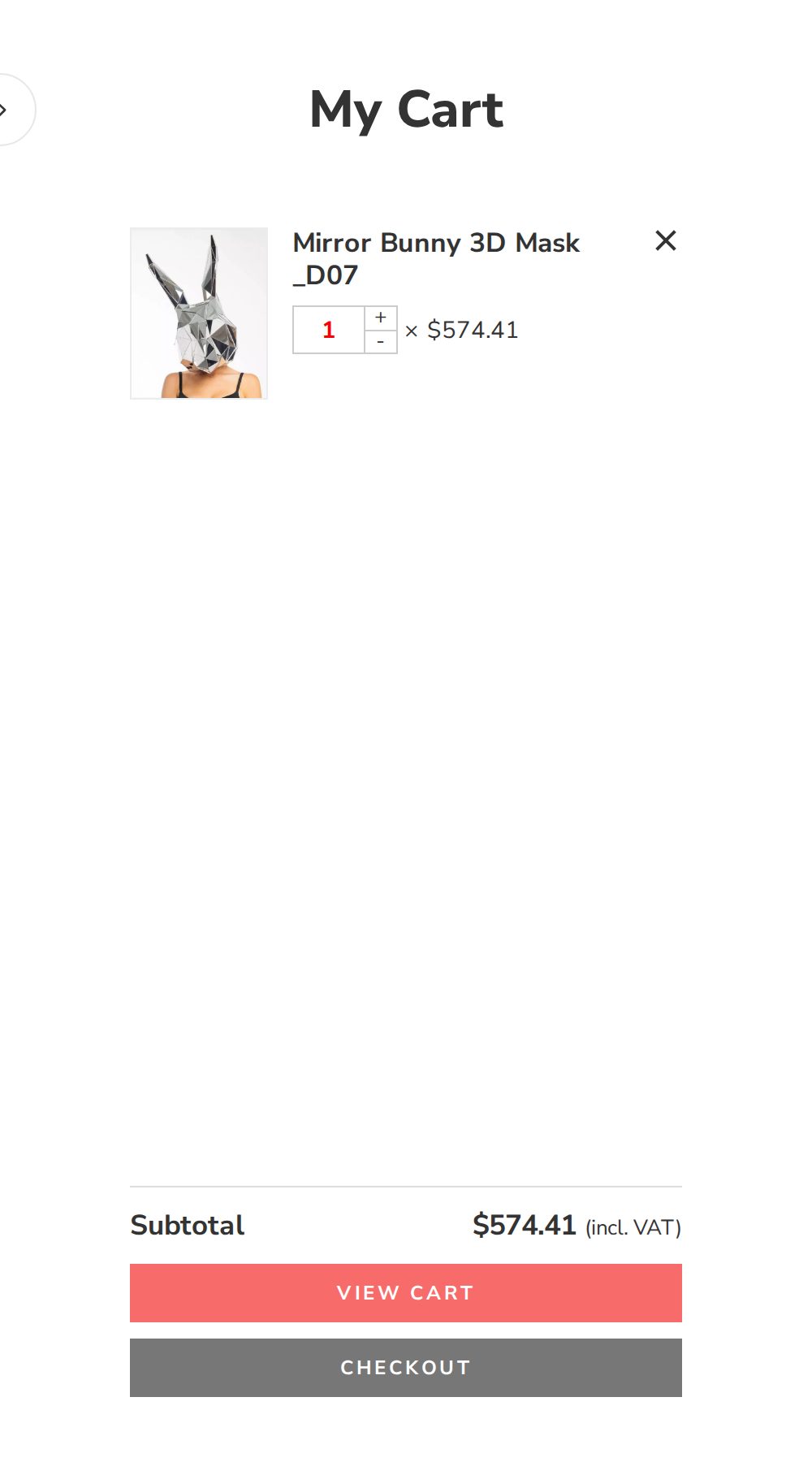
3. View your cart
In the “My Cart” window select “VIEW CART”. The price updates to include VAT where applicable.
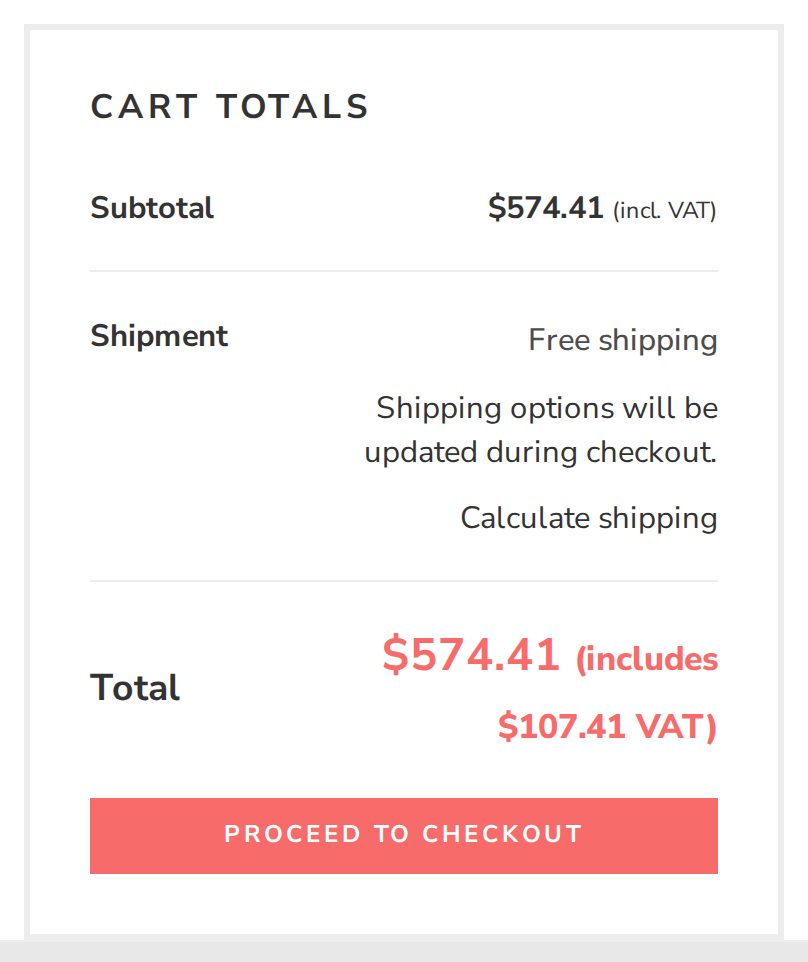
4. Proceed to checkout
Click “PROCEED TO CHECKOUT”.
5. Fill in your billing details
On the left, under “Billing details”, enter your name, surname, phone number and shipping address.
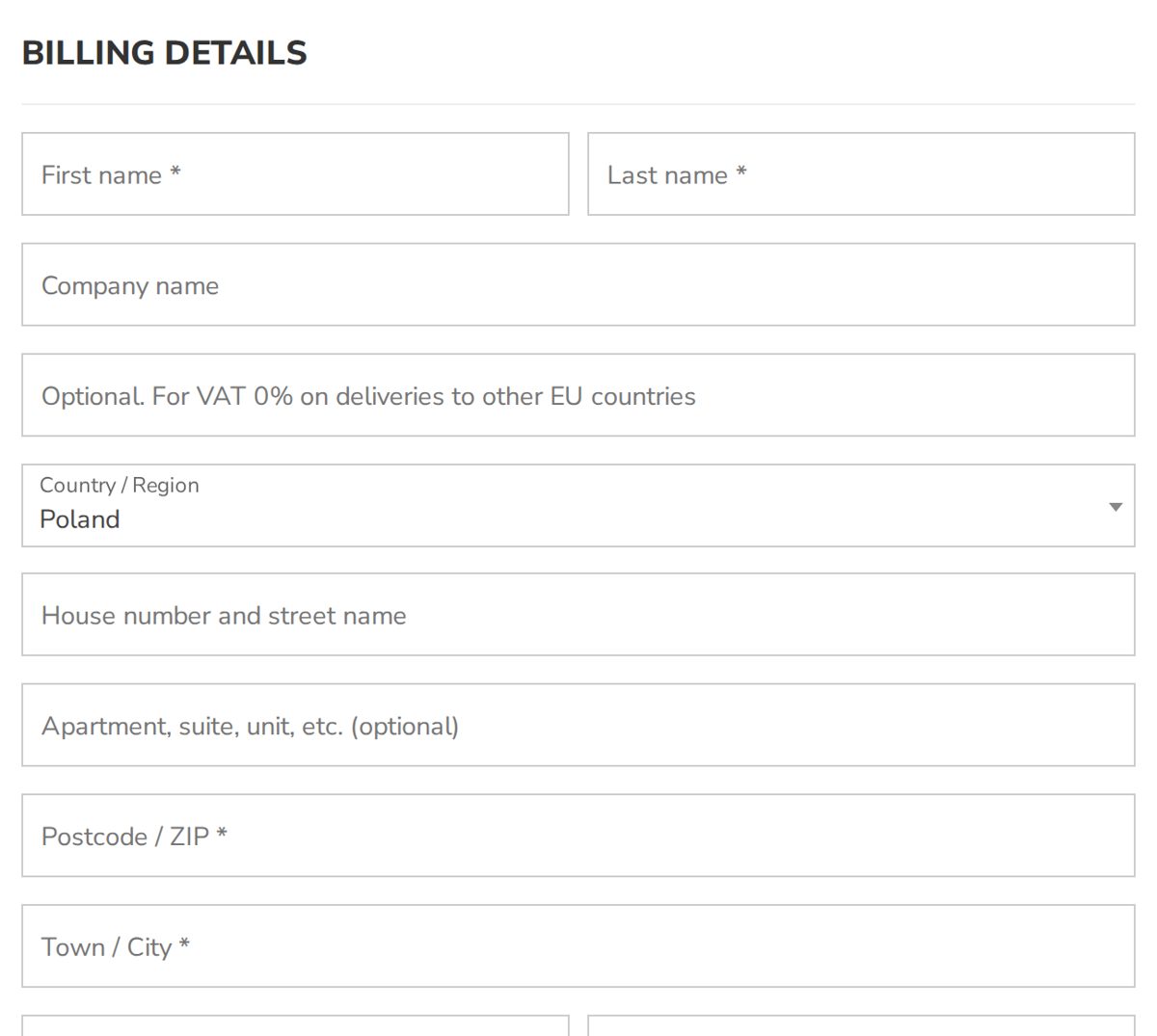
Note: to ship to a different address, tick “Ship to a different address”.
Note: if you have any notes about your order, please add them in the order-notes field.
6. Choose payment and place the order
On the right, under “Your order”, check all the data, choose a convenient payment method, read and accept the store rules (tick the box), then press “PLACE ORDER”.
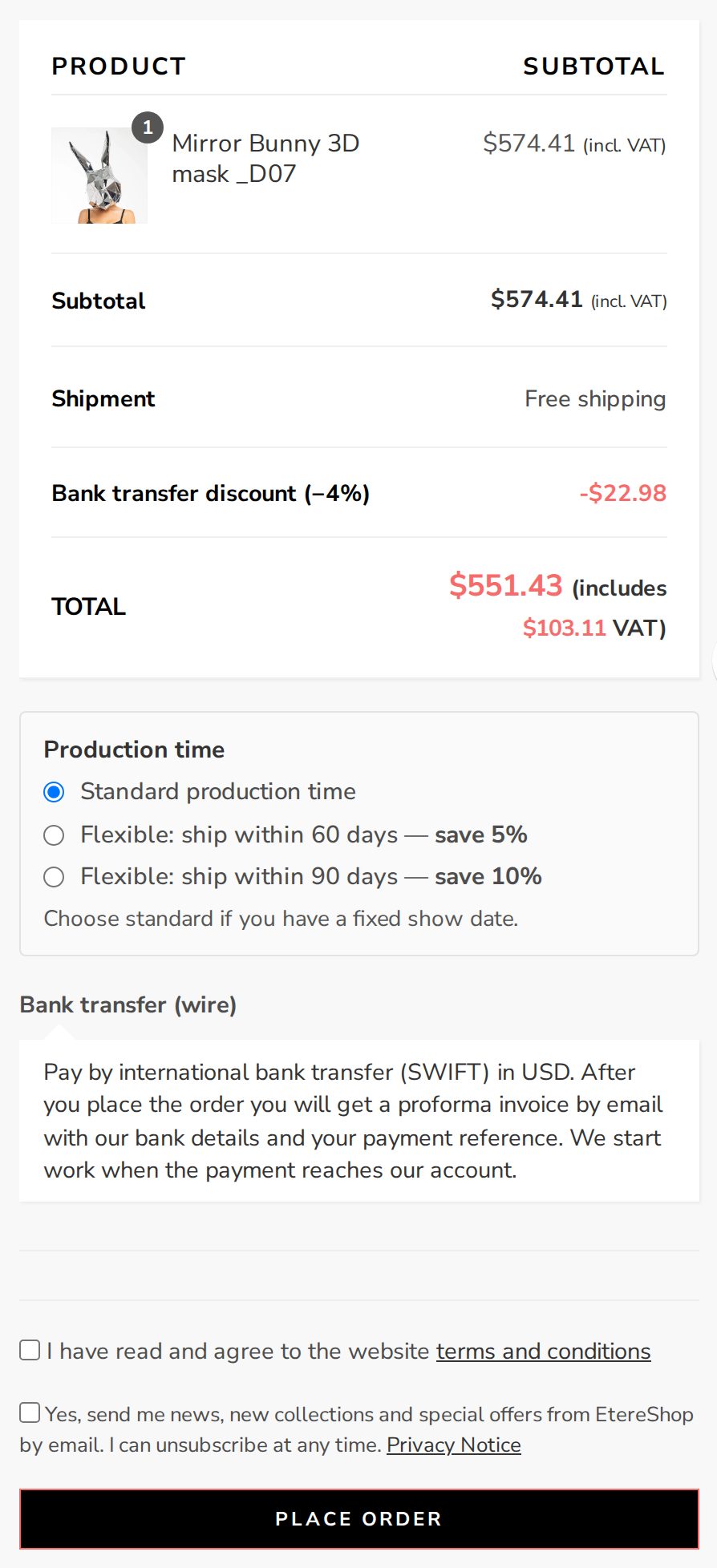
Payment
7. You are taken to the payment page
Card, Apple Pay or Google Pay: choose the method at checkout and pay on the secure page of our provider Stripe.
Bank transfer: write to sales@etereshop.com or send a WhatsApp message before or after placing the order, and your manager will send you an invoice with our bank details. Once we receive the payment, your order status changes to “Paid”.
Card payment: you are redirected to the secure payment page of our payment provider, where you can see your order number and the amount. Enter your card details and confirm the payment. The page is fully secured, meets PCI DSS security standards, and your card data is encrypted and not stored by us or the processor. Your payment may be protected by 3-D Secure — if so, complete the short cardholder verification on your bank's page.
8. Order confirmation
If everything is filled in correctly, you receive a confirmation e-mail with a detailed description of your order. If any data is invalid, the store will point it out so you can correct it.
9. Order processing
As soon as the payment is received, your order status changes to “Paid” and it is prepared for shipping — you get an e-mail with all the details.
10. Shipping & tracking
Once your order is shipped, the status changes to “Shipped” and you automatically receive a detailed e-mail with the tracking number. The store checks the tracking automatically, and you are notified when the parcel is delivered.
11. Your account
All your orders can be viewed at any time in your personal account. If any questions arise, contact us in any way convenient for you.
Still have questions? Write to us at sales@etereshop.com.
SIARHEI VAITOVICH & SONS SPÓŁKA Z OGRANICZONĄ ODPOWIEDZIALNOŚCIĄ
ul. Henryka Dobrzańskiego Hubala 22D, 01-473 Warszawa, Poland
KRS 0001221378 · REGON 543889272 · NIP 5223361737
Tel. / WhatsApp: +48 665 486 586 · E-mail: sales@etereshop.com